Hi all,
It's been a long day trying to set up Azure app registrations etc. I am hoping someone will be able to help me on this one.
I have been trying to get the new outlook tools working on an Alteryx Private Gallery in order to download the files from a given inbox. I have successfully downloaded the tool:
https://community.alteryx.com/t5/Public-Community-Gallery/Outlook-365-Tool/ta-p/898140
And followed the help instructions perfectly:
https://help.alteryx.com/20214/designer/microsoft-outlook-365
I have also ensured that i am using Service Principal, and a client ID/Secret and Tenant ID for authentication.
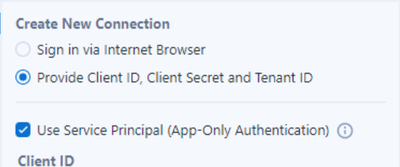
The tool actually works fantastically well on Designer on the Server machine. It is setup to download the PDF files and output them to a location. However, when i upload the working workflow to the gallery, it validates fine, but i receive the following:
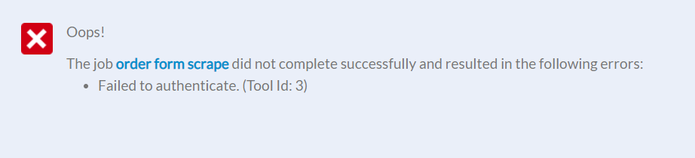
This is the same for all 3 configurations - sign in through browser (which, i expected to fail), and whether i have the service principle selected/entered or not. I have also tried using the desktop scheduler to schedule the workflow, and that provides the same:
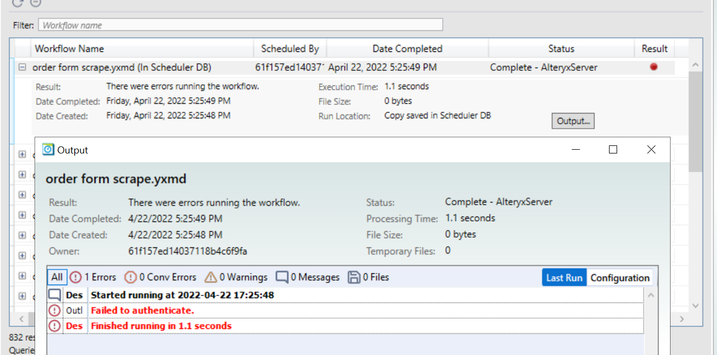
Has anyone faced a similar issue?
Thanks,
TheOC


