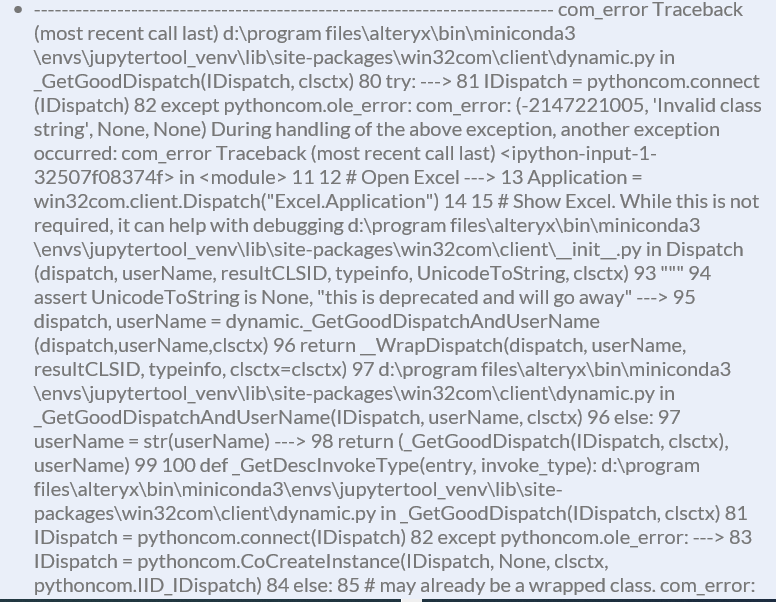
All,
I wrote a simple python script using pywin32 (Alteryx python node did not like when I used win32com itself) that does the following:
#################################
from ayx import Package
Package.installPackages(['pywin32'])
#################################
from ayx import Alteryx
#################################
import win32com.client
#%%
xlapp = win32com.client.DispatchEx("Excel.Application")
wb = xlapp.Workbooks.Open("My file here")
wb.RefreshAll()
xlapp.CalculateUntilAsyncQueriesDone()
xlapp.DisplayAlerts = False
wb.Save()
wb.Close(True)
xlapp.Quit()
When I run this in Designer, it runs fine. I open a file that has a connection to Sharepoint, refresh the connection in this spreadsheet, save the file, and then have a separate branch of Alteryx pull the data elsewhere. When I attempt to schedule this workflow, it fails with the following error:
Error: Tool #1: ---------------------------------------------------------------------------
com_error Traceback (most recent call last)
<ipython-input-3-130776a91de8> in <module>
1 import win32com.client
2 #%%
----> 3 xlapp = win32com.client.DispatchEx("Excel.Application")
4 wb = xlapp.Workbooks.Open("My file here")
c:\program files\alteryx\bin\miniconda3\envs\jupytertool_venv\lib\site-packages\win32com\client\__init__.py in DispatchEx(clsid, machine, userName, resultCLSID, typeinfo, UnicodeToString, clsctx)
111 serverInfo = (machine,)
112 if userName is None: userName = clsid
--> 113 dispatch = pythoncom.CoCreateInstanceEx(clsid, None, clsctx, serverInfo, (pythoncom.IID_IDispatch,))[0]
114 return Dispatch(dispatch, userName, resultCLSID, typeinfo, clsctx=clsctx)
115
com_error: (-2146959355, 'Server execution failed', None, None)
Has anyone seen this error before or how to work around it in Scheduler? Any assistance is greatly appreciated.