As server admins, we sometimes get in a bind where we have just done a rollback on the server or a cutover and then a user comes out of the woodwork to request a workflow that got lost in the shuffle. We then face restoring the old backup to a lower environment to grab the workflow. This happened to my team recently and it made me want to take a more frequent backup of all of the workflows (we already back up our MongoDB daily), just in case. That is why this utility ServerRipper was created.
This utility builds on the excellent work of @patrick_digan about the Alteryx API and @jdunkerley79 on dynamic directory creation using the Run Command tool.
End Result
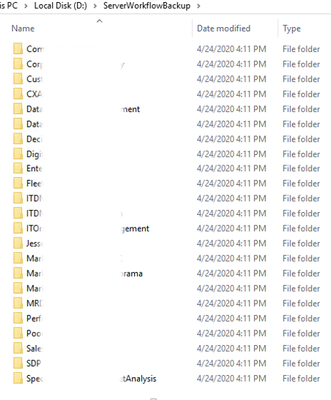
After running the workflow, a hierarchy of folders is created. Within the top-level folder - I have called mine ServerWorkflowBackup - a folder is created for each Studio/Subscription e.g. Finance, Accounting, Admins.
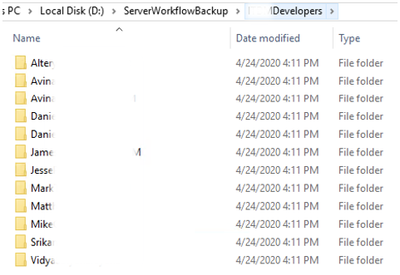
Within each Subscription folder, a folder is created for each User.
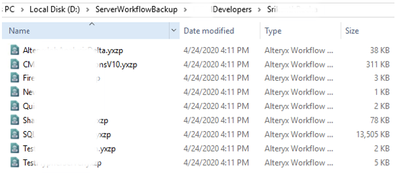
Finally, within each user folder is a .yxzp package of every workflow and app that the user owns on the gallery.
Install and Run
Download and open the file ServerRipper_community.yxzp attached. This was developed in Designer 2020.1.
When prompted to import packages, say yes. Ignore errors and warnings on the Import Workflow Package and Workflow Dependencies popups.
Close Designer and go back to your download location. At this location '\ServerRipper_community\yxi installer' find and install 'Alteryx API Runner.yxi'. Reopen the workflow.
Follow the rest of the instructions in the workflow.
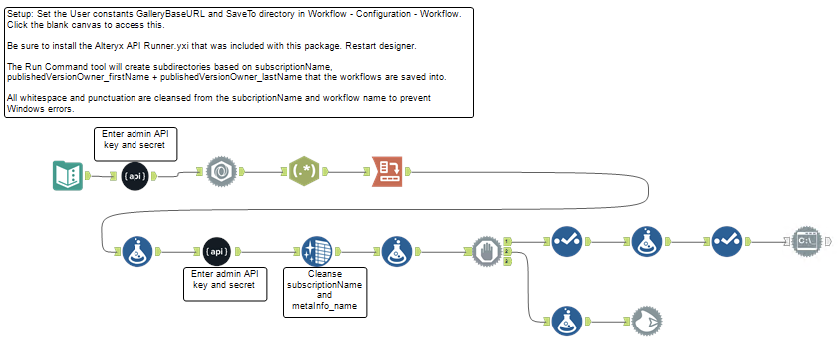
If you find that you have errors, ensure that the Cleanse tool is set up correctly, and ensure that you are a Curator in your Gallery.
I hope that you find this simple to use and that it saves you from a headache someday. Enjoy!


