We have been trying to configure SAML authentication for our gallery the past few days. One of the issues were related to SSL not being properly configured first (as required by our IDP). I feel like we are so close to properly configuring SAML, but can't figure out what the problem is now.
When an user tries to login on the Gallery, it is presented with the following page:
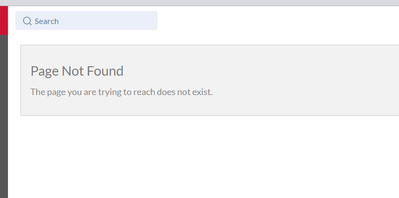
Considering all other scenario's we stumbled upon we must be getting closer to the solution. Do any of you who configured SAML before happen to know what might be causing this?
Our ACS Base URL points to https://<....>/aas/ as generated by the Systems Settings.
I also tried both combinations of /aas/Saml2/Acs/ and /aas/Saml2/. These cause a 404 resource not found
This URL should be set as the Reply URL and/or Entity ID within the IDP correct?
Our IDP URL points to the Azure AD Identifier the IDP Metadata URL points to the metadata. If I choose to specify the X509 certificate and SSO URL separately (both as defined within the earlier metadata URL) I get the same result, so I think these are set up properly at least.
Any direction towards a solution is appreciated!


