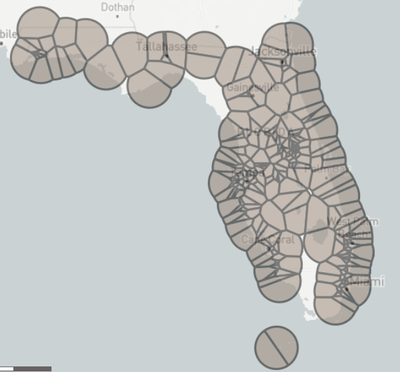
I am using the Spatial Process tool ("Cut 2nd from 1st") to remove the trade areas from one store list from a different, much larger store list but the spaces (trade areas) remaining are more and larger than expected. I can get the expected results by using a very small subset of the smaller store list, and activating Eliminate Overlap in the Trade Area tool's two uses (one for each store list). However, I need to use all of the data.
Does anyone know a solution?
It looks like the Spatial Process tool's "Cut 2nd from 1st" is only sometimes removing spaces.
Notice how at the bottom-right, the southeast area of Florida remains in the "Cut 2nd from 1st" region even though it is present in the 2nd.
I regret that I cannot provide the data.
Cut 2nd from 1st
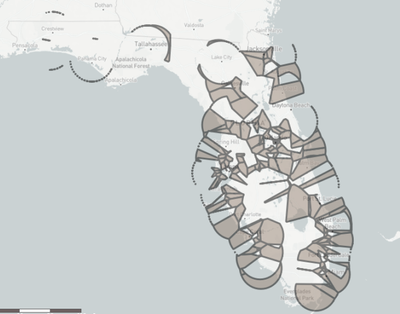
2nd [removed by Spatial Process but notice that at the southeast of the U.S., much of the Los Angeles area appears to not be removed)
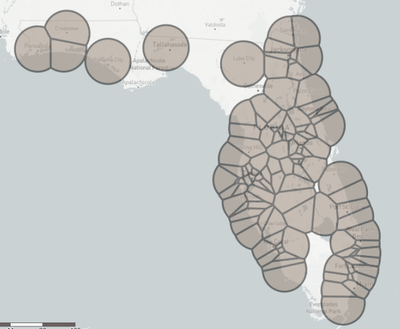
1st (large store list)