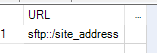
1. Start with an Text Input Tool . I have called it URL and see the data
2. Bring in a tool called 'Download'
3. configure it as follows ( to get header information of files )
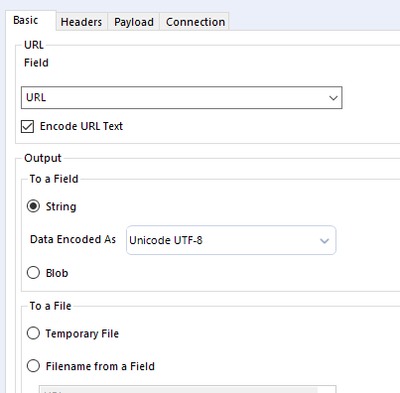
step 4. Connection tab ( enter USER/password)
step 5. So far we have defined URL ( via input text) and this download tool will produce DownloadData and DownloadHeaders string variables
Step 6 . Split variable DownloadData into rows ( Delimiters \n) { split into rows by using tool called 'text to Columns'
Step 7. DownloadData will have Time stamp and File Name towards end
Step 8 . work on some RegEx tool or some other formula commands to get the information you want
Step 9 . How to read that file - coming soon ...


