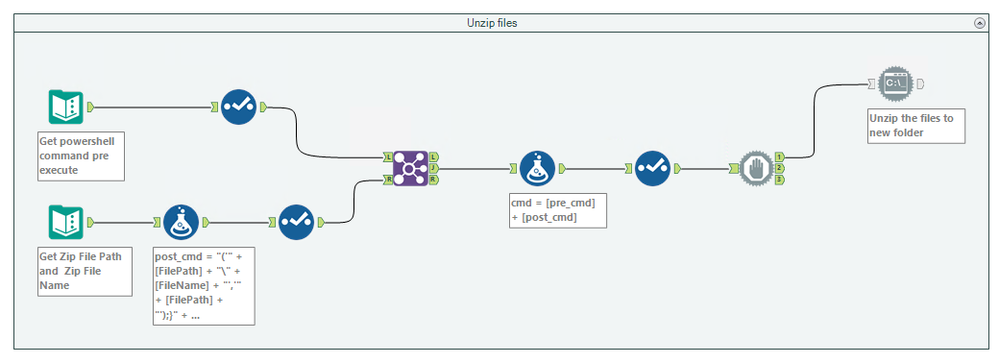
The task I am assigned is to unzip a file and process all the files within. The files within the zip folder are all non-uniform flat files (.csv files) i.e. each file has different sets of columns say file001.csv, file002.csv etc. To achive this task what I have done is create two workflows -
1. Unzip the files to folder - I am using powershell command to finish unzipping a file to folder.
2. Process the files from the above folder - I am using Directory tool as the input to browse all the files. I then am using different 'Filter' tasks to identify the right file I need and then perform the processing for that file as per the business rules.
What I am unable to do is to be able to combine both the tasks above into a single task. I tried using 'Block Until Done' transform to first let the unzipping complete and then go ahead with processing of the files. I just don't know how to pass the file path to the 'Directory' Tool. Can someone give any pointers?
Here is how the unzip files workflow currently looks like -