Hello,
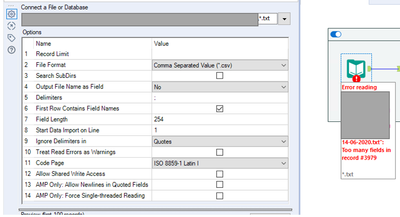
In my input tool, I have several text files which have the same headers, but in some of the text files it seems there is 1 field that splits over 2 (I had a look at one error file in Excel) which means the headers don't match the content so I am getting the error 'too many fields in record #'.
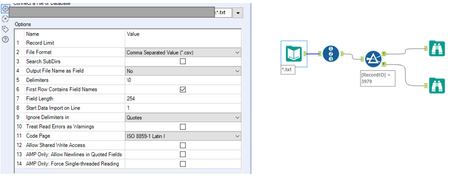
I have also tried to look at the error like below:
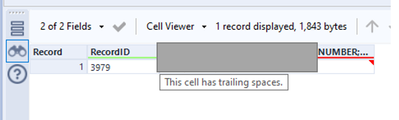
and the true browse shows the error is because the cell has trailing spaces:
but I also have a lot of records in the false browse with the same error:
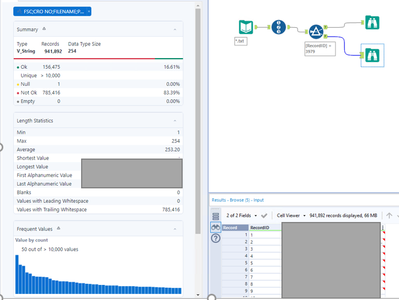
so I added a data cleansing tool to eliminate the trailing whitespaces which does make it go green but when I add a text to columns tool, the data does not split correctly and it is not in alignment with the headers. I also get the same error of trailing spaces in the new columns... is there a way around this please?


