Hi All,
I’ve created some Alteryx macros before, but it just confuses me because sometimes when I pass only one field onto a macro with only one input in it. It will output all the fields from the source tool.
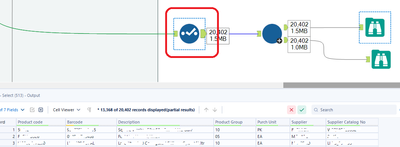
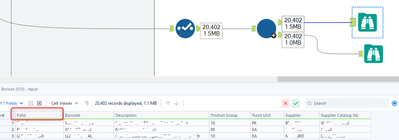
In below screenshot, there are 7 fields with the first one being the “Product Code”
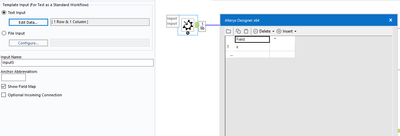
I’ve setup the macro input tool to accept one field only named “Field”
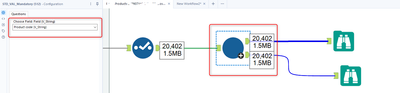
Now when I try to see how the data looks like by just connecting a Macro Output tool directly from the Macro Input, it shows all the fields from the source tool. But it renames the first field to “Field” instead of “Product Code”. I understand the renaming of the first field, but what I don’t understand is that why does it displays all the fields even if only one field is being passed.
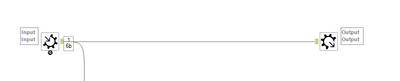
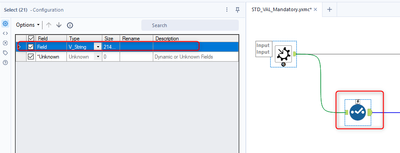
In addition, even though the other fields are being passed, only one column is being detected from the connected tools. In this case, the Select tool that is being connected to the Macro Input detects the “Field” that is being setup inside the Macro input, but not the other columns.
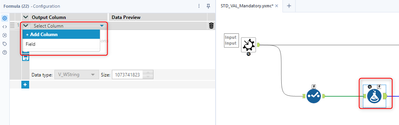
Also, the Formula tool can’t detect the other fields.
Why does Alteryx behave like this?
Also, is there a way that I could access the other fields from the Select, Formula, or other tools like Filter, etc.?


