I updated my laptop from Windows 7 to Windows 10.
Every workflow which uses an alias db connects is broken. I've managed to fix ones where I go in and edit the XML.
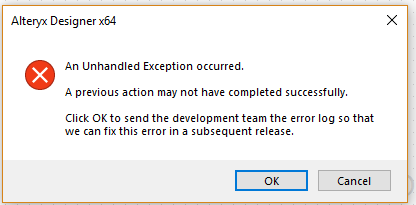
I cannot go into the Manage data connections to edit/delete the old alias. Getting the following error message.
After I close out this notification, this is how the Manage Data Connection window looks. I think some configuration or file got delete on the OS migration. Need to figure out how to fix this so, the manage data connections window is working.