I've been stuck on this problem for over a month and prior attempts to get help resolving haven't yielded a solution.
Here is my challenge. To hack Tableau a bit with coloring a filled time series, I want a new row in my data that looks at the latest date of data, then grabs the output from that date in a formula and copies it to all prior date rows for the same level of detail.
Here is my output now. You'll see the latest date is 3/1/2018, Headers are Date, MSAName, PropertyType, CountyName, FIPS, City & Zip.
The desired outcome would be that 'Green' be backfilled in the 'Color - LP MoM' column for all prior months because that was the result of the latest month (3/1/2018). It would do this for ever row of data for each header (MSAs, Cities, Zip Codes, etc) and for each 'Color' calculation found in the formula.

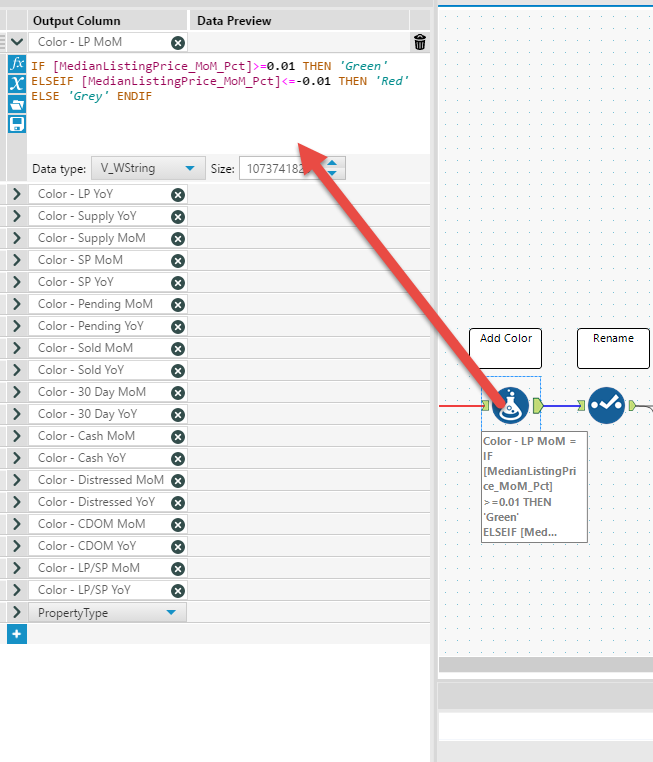
Here is where the calculations are being developed. This occurs after all other calculations because it uses those to develop.
I've attached my packaged workbook for anyone who can help!


