Hi Everyone,
I am trying to insert special characters into a formula using Unicode..
In Excel, I would use something like so:
Hi @E4Victory
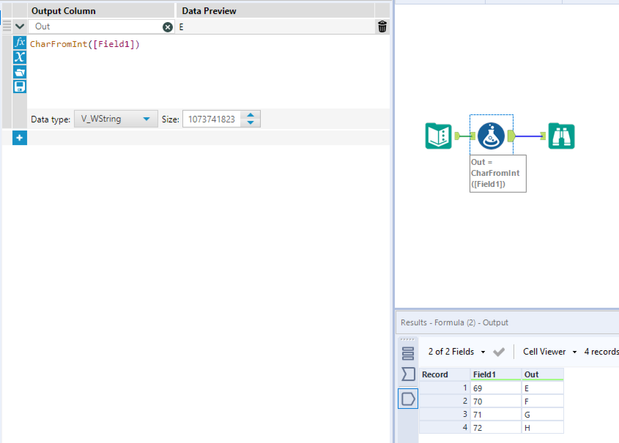
You can try CharFromInt() function which turns Unicode number to character. Using this you can replace. Guessing its similar to Char function.
And vise versa is CharToInt()
Hope this helps 🙂
Thats a tricky one hahaha, i dont know if the replace formula do that
Try to use Regex to do this or create a table with the code/specialcharacters and use the find/replace.
Hi @E4Victory ,
I've attached a tool that allows you to pull tables from HTML. Use this to load in that table, then use a find and replace tool to replace with the unicode characters.
Hope this helps.
M.
I've built the workflow to get the table as a source.
This is a good solution, thank you.
That's perfect. Thank you it worked like charm.
Here is the requested formula: Replace([cell], CharFromInt(160), " ").
Glad to hear that fixed your issue @E4Victory . Excel Char() was a new function to me 😅
@atcodedog05 it was new to me too.
Every day's a school day.