Hi,
I know the question has already been asked, but as of now there was no clear answer which I could follow. Hence after hours of trial & error and internet research, I call for community help.
My objective is to merge two external excel files with exactly the same structure. I have used directory function with dynamic input, yet to know avail. Can please someone explain it on a "dummy" level?
- Directory: select the folder, file specification .xlsx
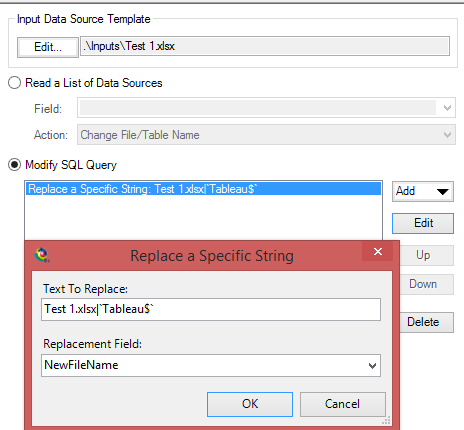
- Dynamic input: I point template to the same folder with *.xlsx file extansion, in SQL editor I put `Sheet1$`
- Modify SQL: Update WHERE clause
My result:
- Out of two files, only one is added for some reason twice.
- The 2nd file is skipped with error that "schema" is different. I took the first file, just renamed it and pasted new values in it with exactly the same structure. After one run the data was appended correctly, but then the "schema" error. Returned.
Thank you very much in advance. If you know a good place, where I can read about it, I would be curious to know besides how to do the same manipulation but with different sheet structure in the files.
Best,
Artyom