ACT NOW: The Alteryx team will be retiring support for Community account recovery and Community email-change requests Early 2026. Make sure to check your account preferences in my.alteryx.com to make sure you have filled out your security questions. Learn more here
Start Free Trial

Alteryx Designer Desktop Discussions

Find answers, ask questions, and share expertise about Alteryx Designer Desktop and Intelligence Suite.
解決済み

How to Dynamically add Date to output file name

Seba
メテオール

Hi,


I am working on this workflow >
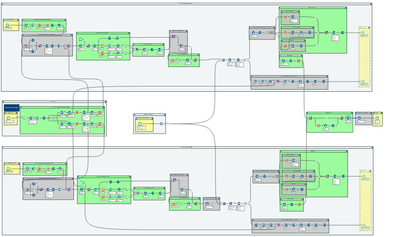
Workflow.png


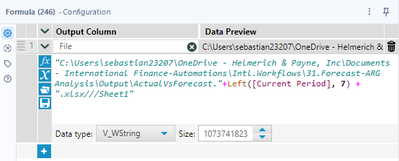
I would like to dynamically add the date "current period" in date format to the output file name, something like "ActualVsForecast.2024-03" In order to do so I use the formula tool
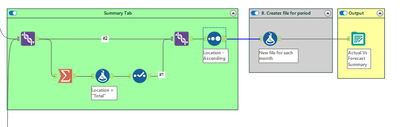
  

Workflow2.png

Formula.png


Formula2.png


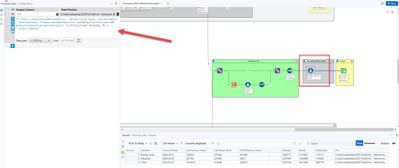
and this is how I setup the output tool
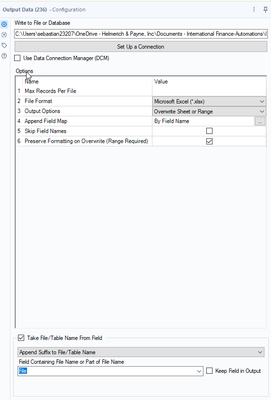
Output.png


This workflow has 5 outputs all in the same file.

even tough, the result I am getting is not what I need. I will appreciate any help!


Thanks,

Sebastian 


4件の返信4
aatalai
オーロラ

change it from append to change entire file path

Seba
メテオール

@aatalai Thanks so much! It worked!

aatalai
オーロラ

@Seba glad it helped

Ramyaa
アトム

This is pretty easy and useful. Thanks!

ラベル
トップのソリューション投稿者