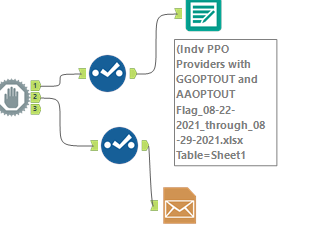
I have a workflow that outputs a excel file and I'm trying to use the email tool to send that attachment to an recipient.
I have a field in the file that has a formula for the attachment location.
I want to save the file to a share drive and then I want to email that file.
It keeps sending an email multiple times based on the numbers of rows in the file.
I have read prior discussions on this but can't seem to figure out the correct process.
Here is the last part of my workflow. The email tool is configured to send the attachment based on the attachment field which is the formula for the location of the attachment.
Just trying to figure out how to get it to send only one email.
Thanks,