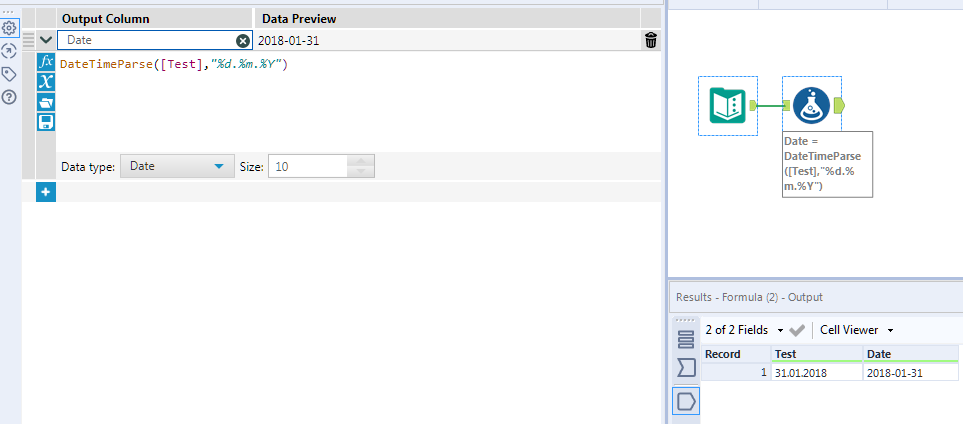
My date is currently formatted like this: 31.01.2018.
I tried using the Custom format in DateTime Parse tool - using same format state above - but can't get the conversion to work correctly (i.e. from string to DateTime).
Any suggestions?
Hi @rjohnson123 if you use this syntax in a formula tool it will work. DateTimeParse([Test],"%d.%m.%Y")
Thanks for the guidance.
I'm still curious why I wasn't able to make it work using the Custom input that's built into the interface.