I'm having a hard time trying to download a csv file from a UK website. Here is the site, https://www.hesa.ac.uk/collection/c18051/a/domicile, and
here is an image of the link I want to download in Alteryx (circled in red):
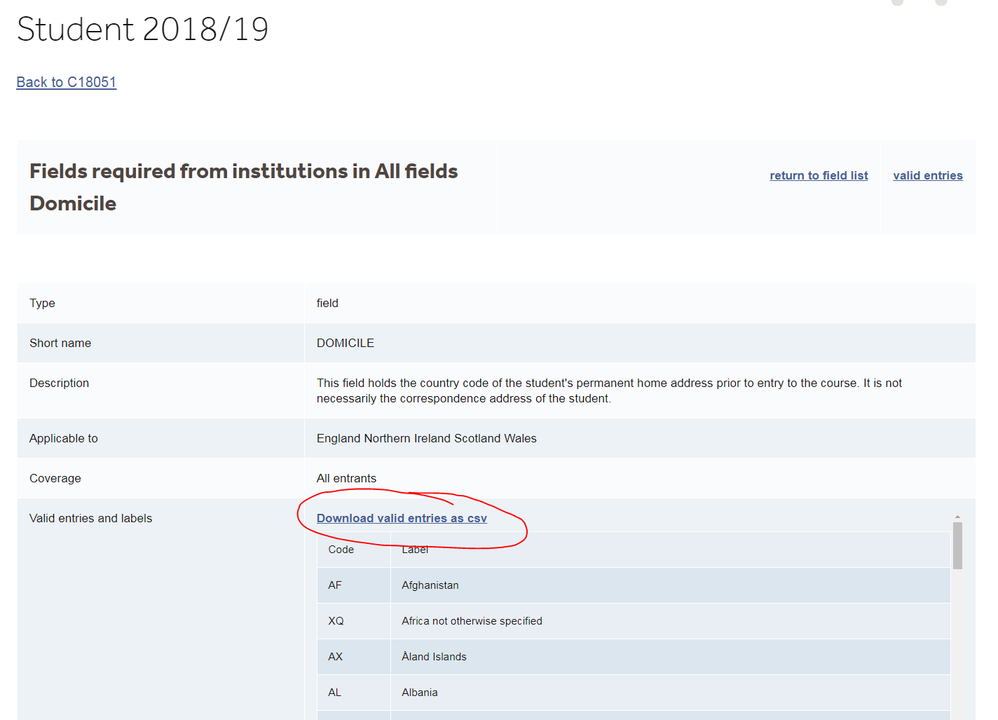
The url appears to resolve to blob:https://www.hesa.ac.uk/9bb84ca8-539b-498e-8b79-44e68cdc0382 so I'm not sure how that gets turned into a csv link in the browser. Also, each time the page refreshes the blob url changes. Finally, if you copy and paste the blob url into an incognito window you get an error. It's all very strange and I can't figure it out.
Moreover, when I view the html page source there is no trace of the words 'Download valid entries as csv' or the link. Is there some kind of JavaScript obfuscation going on here? Can anyone figure out how to download this csv within Alteryx? I know there are some 'Blob' tools but I can't figure out what to do with them. Thanks


