Hi,
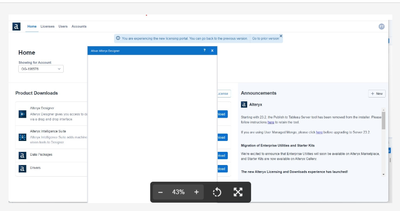
One of the new Alteryx users I know encountered a problem after installing Alteryx Designer for the first time. He wasn’t able to activate the license due to a blank screen, as shown below:
- We used the command line to activate the Alteryx license with the following command:
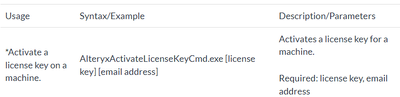
We followed the guide from this link to activate the license using the command line, but initially, we received an error indicating that the command had failed.
- After deactivating Windows Defender Firewall, we were able to successfully activate the license using the command I mentioned earlier.
Now after we opened the Alteryx Designer we see popup window below:
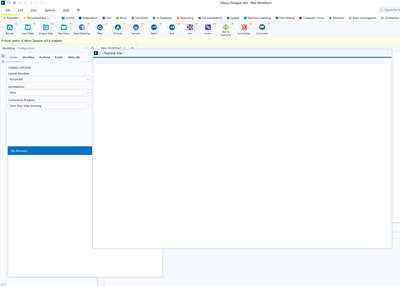
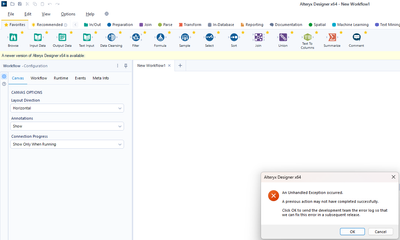
The user is able to close it but the problem is after each action that he makes he received an error below and he isn’t able to effectively use the tool:
- We tried to install Alteryx designer on the computer of this colleague (the same organization) and it worked without any issues.
Any suggestion or recommendations?


