Hi all,
I'm currently trying to run a workflow on the gallery which appends to a file sitting on SharePoint for business folder. I am able to do so locally by using the "sign in with browser option", I get prompted to put in my 2FA code from the Microsoft authenticator app (see below)
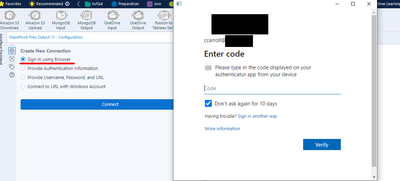
However when I go to run on the gallery there is no prompt to authenticate and I get the following error
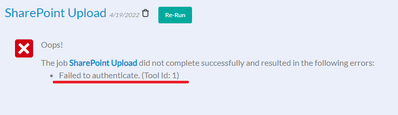
I have not been able to get it working locally with the last two options and I would rather not have to get a client/tenant ID set up from my IT department. Has anyone found a workaround/fix for this?
Many thanks in advance!
Conor


