I am working on a set of data where there are 12 files for each month. The size of data is pretty huge i.e. almost 0.5 MN rows per month. I need to have a summary of the entire data hence I pulled all the files using the * wildcard and 11 of the files could get imported.
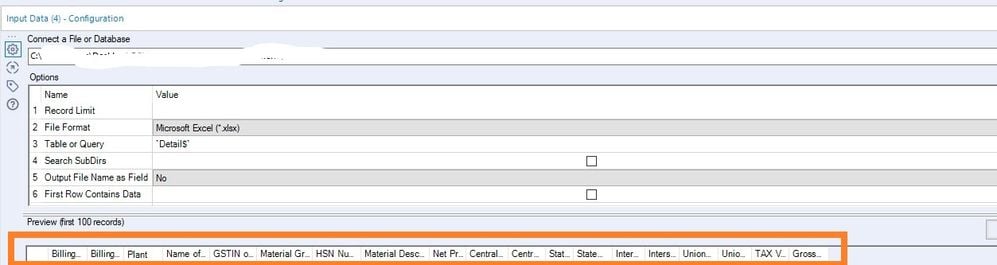
There's a file of one particular month which could not be imported with the wildcard due to the reason that this file had a different schema, I imported that file through a separate input tool (since it was only one file) and thought to union it with the other input tool (which has the rest 11 files. On importing this file, however, I observed a unique issue with the file. The input tool seems to be importing all the blank columns in the tool which is causing the data to grow from 70 MB to a few GBs. I have attached the screenshot below of the input configuration tool which shows only the 19 fields whereas the select tool and the summarise tools show that there are fields starting from F20 to F16384. Thus it seems that the input tool is importing some 16365 columns additionally. While I can deselect the data in the select tool, I wanted to understand what is causing this and how to address this at the threshold so that the blank columns are not imported in alteryx. This is because I wish to cache the data so that the work is faster (considering the size of the data of 12 months). I tried manually selecting all the blank columns and pressing delete. But that is not helping.
Any inputs on what may be wrong with the data?? (I will not be able to upload the file due to the confidential nature of the data).
 Select tool showing many columns
 Select tool 2nd screenshot


