I have one excel file that has multiple sections of data. I need to only bring in certain parts of each section. in the picture (i have also attached excel file), I only want the green sections. how would I go about this?
Thank you!
Hi @aberry0613
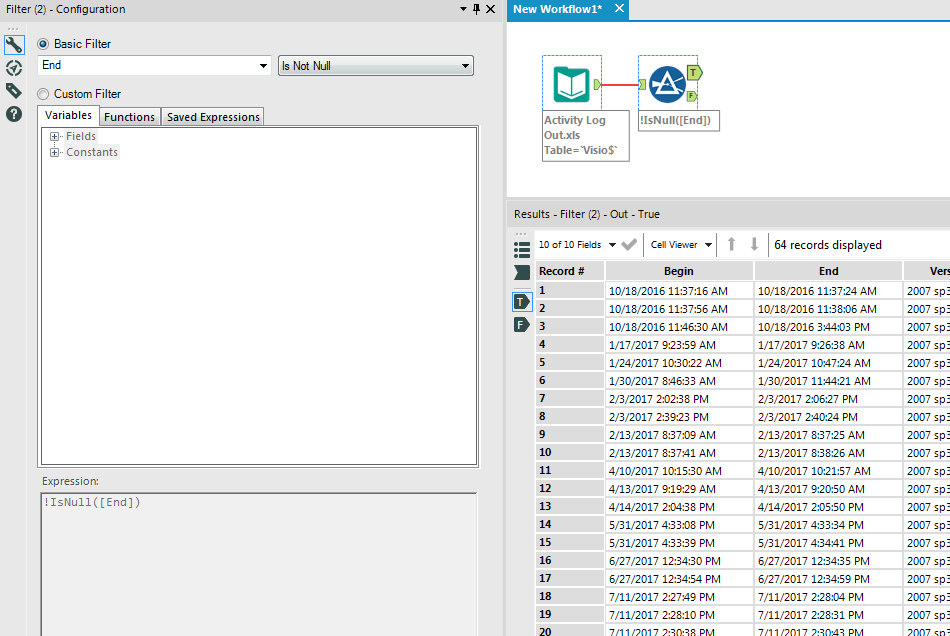
You can check if the second column [end] is null or not. If it is null, then filter the data out.
It looks like each time the software is listed on that row for the Machine column the cell starts with Launches.
I used that to my advantage within a multi-row formula.
Please see the attached, hopefully that gets what you need, you can then add the filter after, as above.
Its always something so easy when i think it is going to be complicated. :-)
Thank you @adm510 !
OK, so what about this. I need the software now listed as a column for each entry. I have color coded the Visio tab to match what I need the out put to look like (sheet 1). Basically, I need to take the software title and make it a column for all entries under it until the next section of data.
Thanks