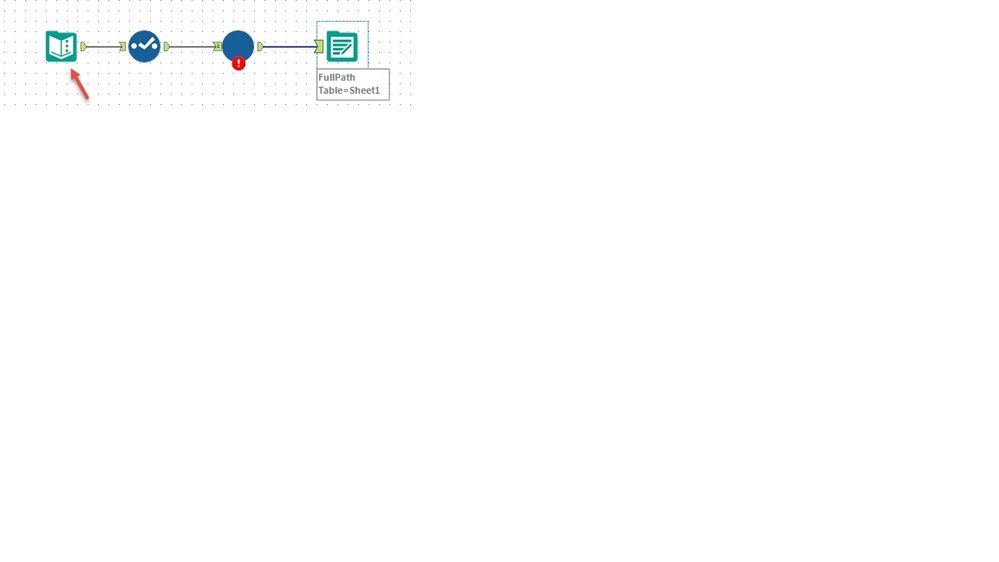
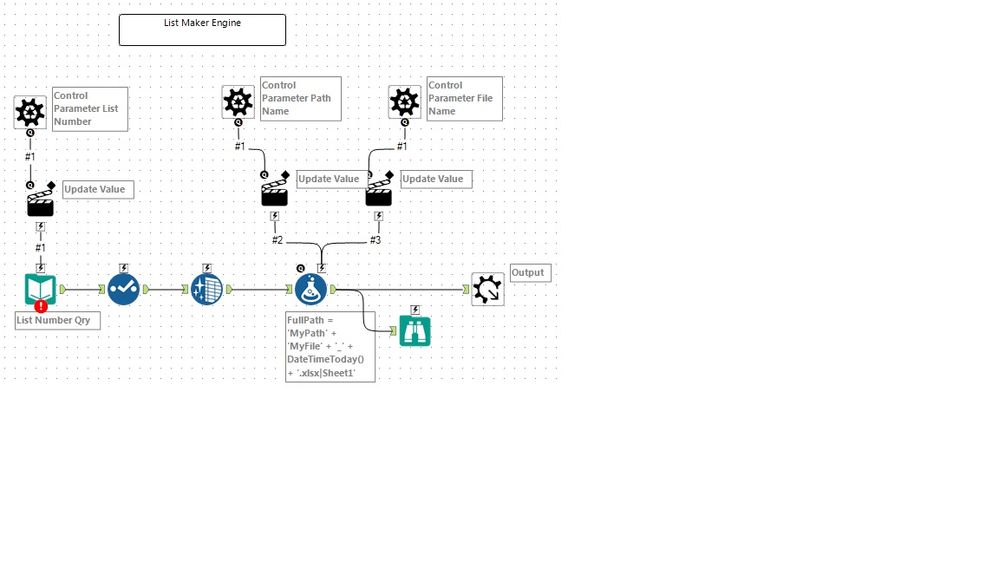
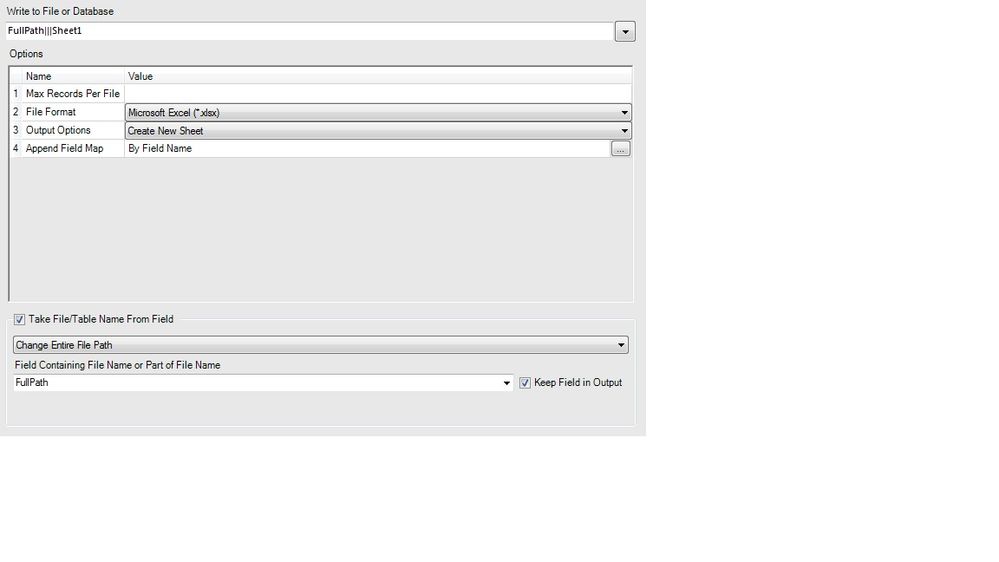
Does anyone have an example of a batch macro where the Path and File Name can be identified as a string to be replaced and have each Excel file drop into the same folder (or different folders) with different names? I'm defining MyPath and MyFile in the Text Input along with MyList. Update values are set to replace string MyPath and MyFile in Formula tool. Not having issues with MyList. I end up with one file in the wrong folder (same folder as the workflow) and it's named "MyPathMyFile_2017-08-17.xlsx". Obviously, it's overwriting the same file. I want to be able to change the Path and the File Name. Each File Name will be different based on the List. The Path may not change per job (so it's the same all the way down in the Text Input) but it would be nice to let people drop their files where they want. Can anyone see what's wrong or can anyone put an example out there for me to download? Thanks in advance for any help.