Hello Everyone,
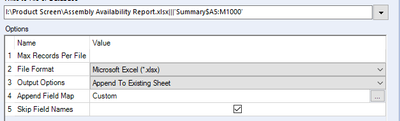
I have researched this issue on the Community however I cannot find a solution that works for me. I am attempting to write to an .xlsx file to a specific range. I created the Excel File and then specified the range where I want the data to be written:
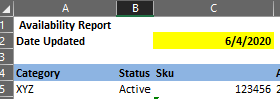
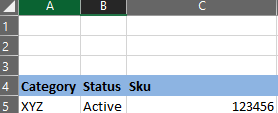
Below is how the file is going to be structured (example is only first 3 columns) for use by my customers. Row 4 headers are customized to stay and then I write the data below that row.
When I run the workflow it runs successfully without errors however when I go to open the file I receive the following errors:
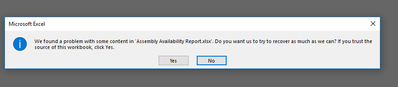
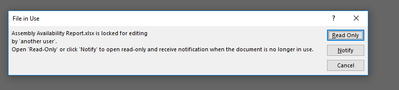
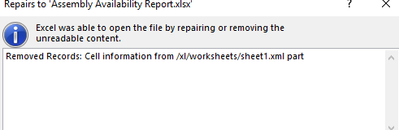
When I eventually go through the prompts and open the file, some of the data I have entered has disappeared and the grid lines are showing again:
I receive the same Excel File Errors when I select the "Overwrite Sheet" option:
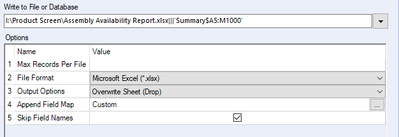
Am I missing something here? Looking forward to receiving feedback. I am currently using Alteryx Version 2019.4.8.22007 however we do plan to update to the new version soon so not sure if a fix for this has been released in a more current version.
Thanks!


