This article is part of the Tool Mastery Series, a compilation of Knowledge Base contributions to introduce diverse working examples for Designer Tools. Here we’ll delve into
uses of the Block Until Done Tool on our way to mastering the Alteryx Designer:
The Block Until Done Tool is one of those tools that may not be commonly used when starting out in Alteryx. But as users start building out more complex workflows, if errors start appearing out of seemingly nowhere this tool can come quite in handy. The best way to describe this tool is it is like a traffic controller for your workflow. Alteryx normally processes individual records at a time as it is going through the tools. Meaning if you had, let’s say, a total of three tools in your workflow. All three of those tools are simultaneously working through the dataset. As one record finishes being processed by one tool it starts getting processed immediately by another. When you introduce the Block Until Done Tool anywhere in between these three tools, it will wait until all processes upstream are done before sending records out through each of the three outputs- all of which are optional.
Below are some useful ways to utilize this powerful tool:
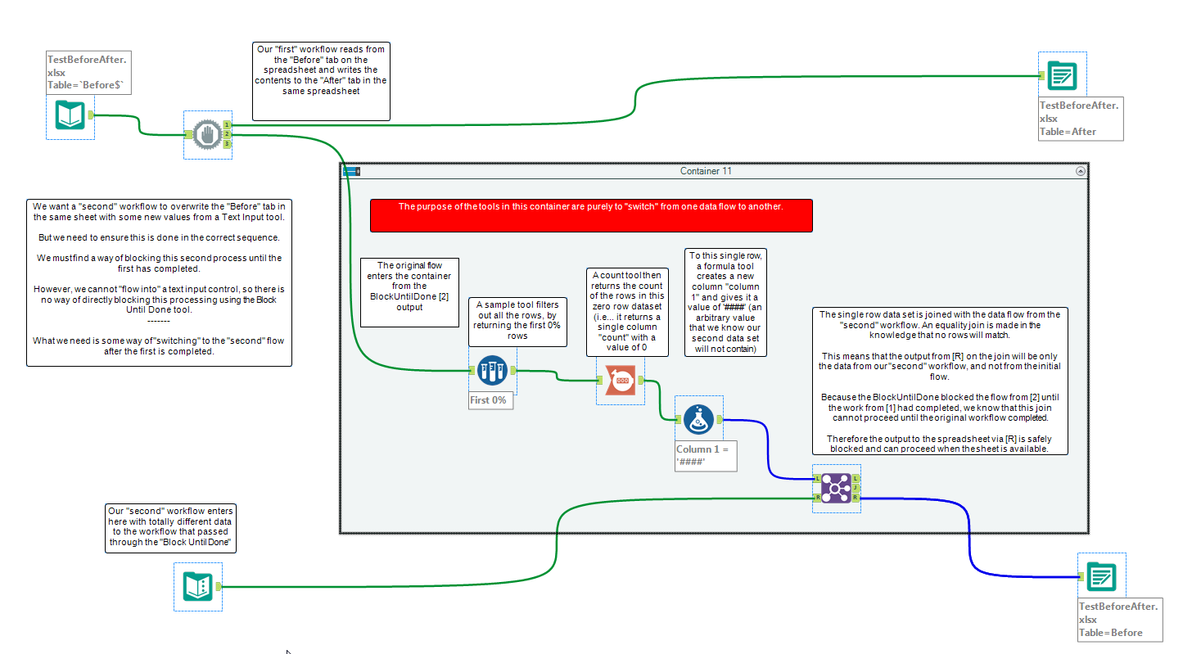
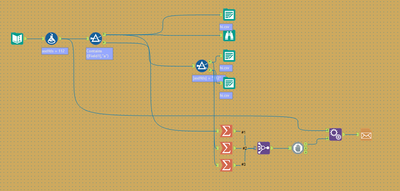
Writing to multiple tabs in the same Excel file
Opening up an output excel file automatically
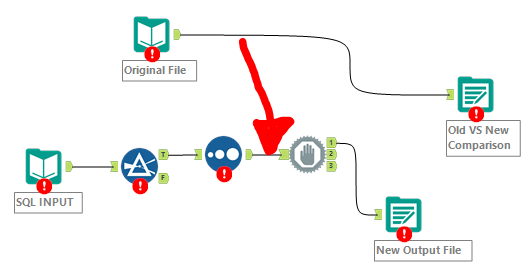
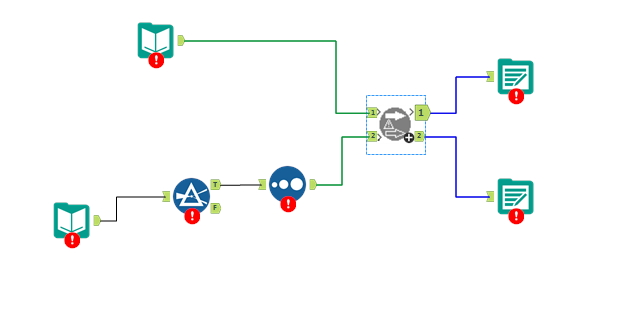
Output a file and re-input it within the same workflow
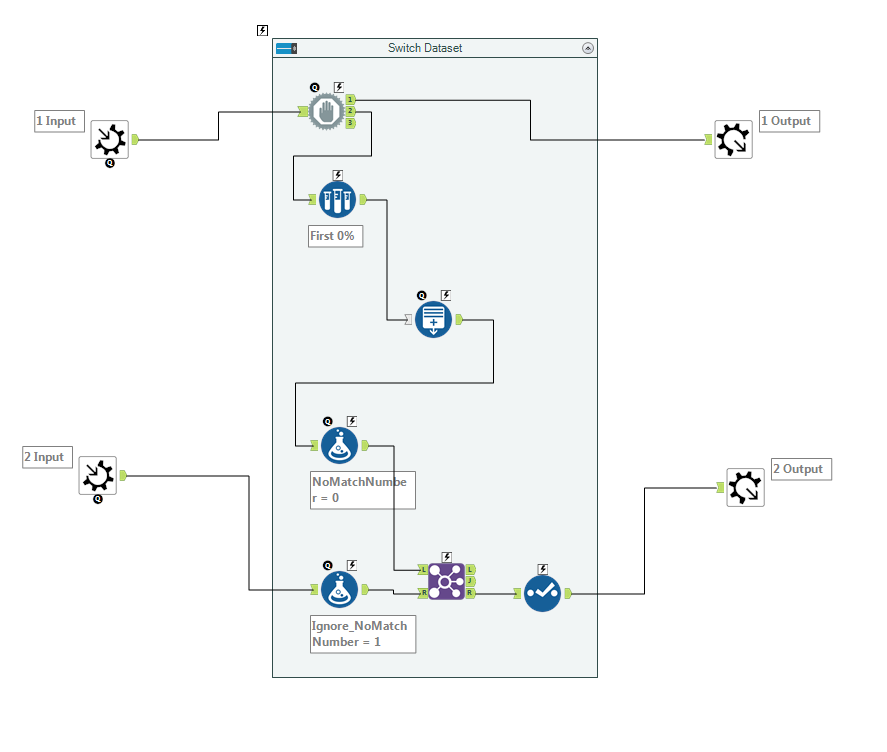
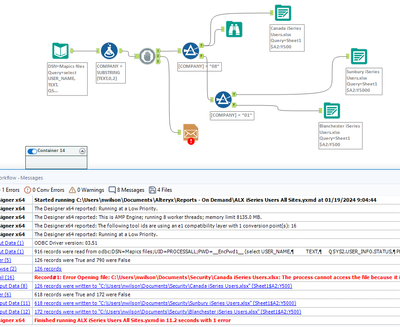
When reading and writing is going on from the same data source it is generally good practice to have a Block Until Done before your output to avoid any possible read/write conflicts.
The Block Until DoneTool can also be helpful as a way to control the memory used in a workflow. If you are having issues due to low available memory on your machine, strategic placement of the tool before and after memory-intensivetools or macroscanmake sure that multiple computationheavyprocesses don’t happen all at once.
By now, you should have expert-level proficiency with the Block Until DoneTool! If you can think of a use case we left out, feel free to use the comments section below! Consider yourself a Tool Master already? Let us know at Community@alteryx.com if you’d like your creative tool uses to be featured in the Tool Mastery Series.
Stay tuned with our latest posts every Tool Tuesdayby following Alteryxon Twitter! If you want to master all the Designer tools, consider subscribingfor email notifications.