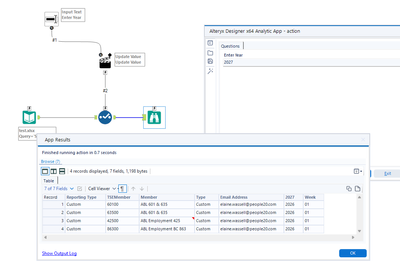
I would like this process to change the Year to what the user inputs (2026 to 2025). I can't figure out how to do it.
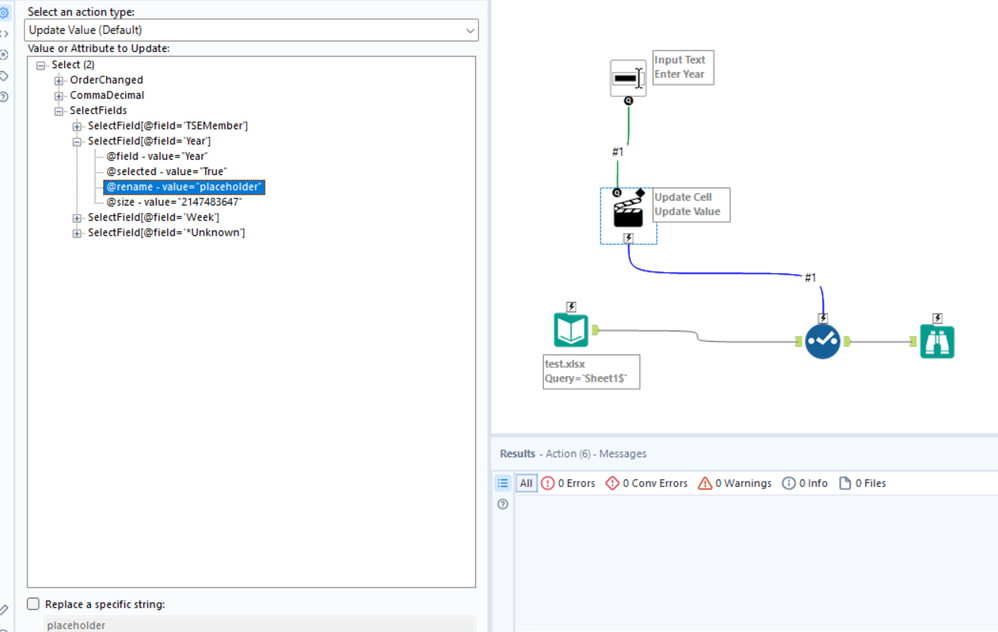
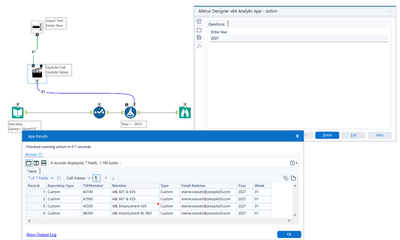
Add something into the rename column for whichever field you want to rename, and point the Action tool there
@ewassell I thought you wanted to change the row value. To change the field name, as @alexnajm suggested, put a placeholder value in the rename of the year field and update using the action tool
@ewassell use formula tool and update the field value using the action tool
I don't get a rename option.
@ewassell did this solve your query? If so, please mark one or more posts as a solution. Thank you in advance!
Thank you! This did it!