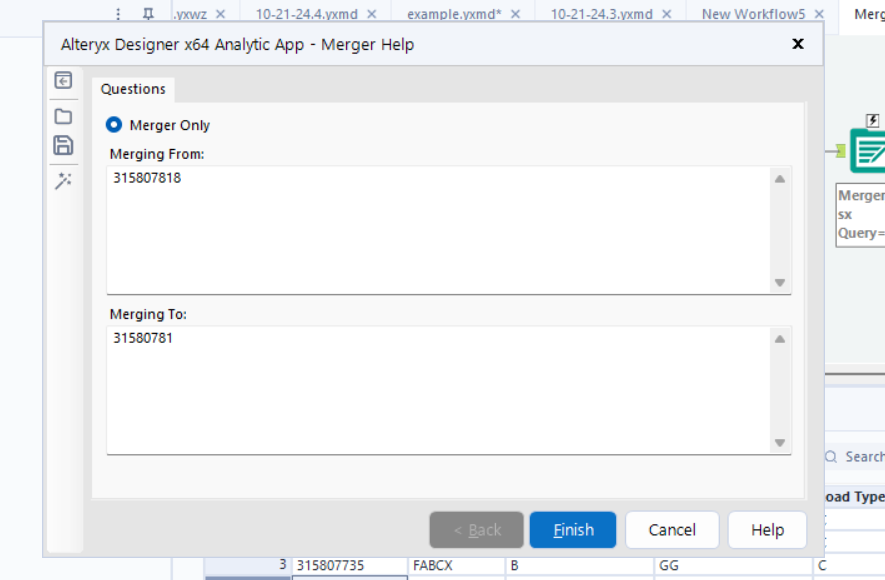
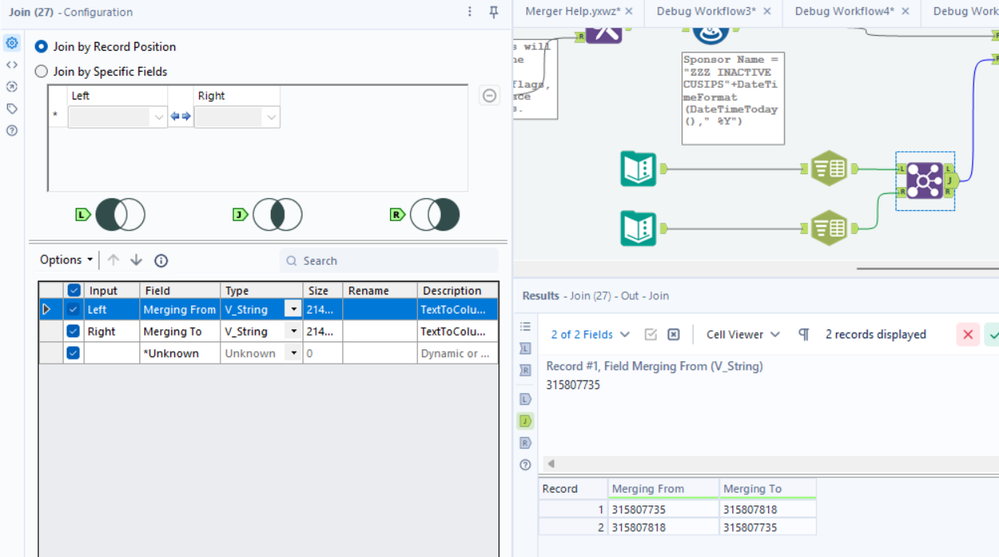
Currently my text input tool has 2 columns created, so my find & replace tool can locate the field and then replace a different field in excel.
I am running into an issue when I enter in my values for the text box, the tool is only able to read 1 value and replace's it in my output and duplicates it in the field I need to replace, instead of reading the first value and replacing it specified by the 2nd value
The Merging From column is what I am locating, the the Merging To column is what is replacing the value in the Notes column in the output.
Is there a way to replace one column, then replace the 2nd column so the find and replace tool can read the first values to replace the 2nd values in the field I have it specified too? Maybe, is there a way to split this into rows ?