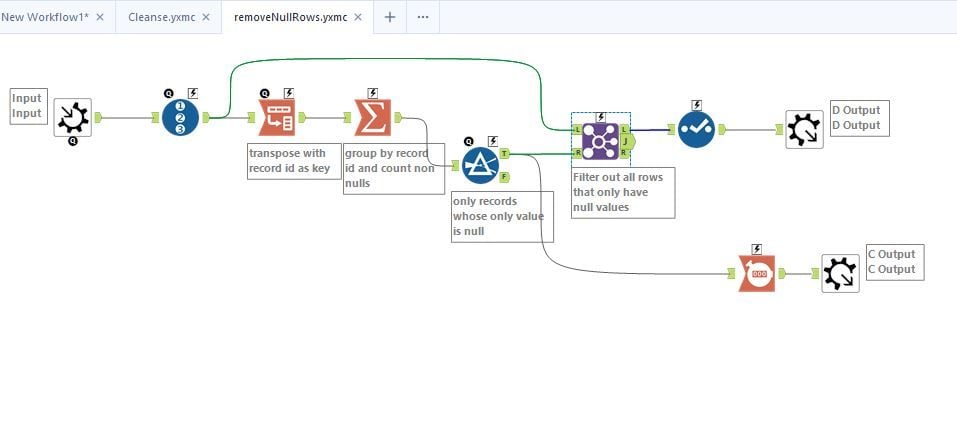
Hi, I've been trying to filter out the NULL rows with either the Filter tool or Data Cleansing tool but it's not working out well.
When I use the Filter tool, I input !IsNull on all the columns, which is the formula below.
"!IsNull([ACCOUNT]) AND !IsNull([TRANS NO.]) AND !IsNull([PD]) AND !IsNull([SOURCE] AND !IsNull([VOUCHER NUMBER]) AND !IsNull([VENDOR NAME]) AND !IsNull([DESCRIPTION]) AND !IsNull([DEBIT]) AND !IsNull([CREDIT]) AND !IsNull([BALANCE])" .
However when I take a look at the results, under TRUE, it's empty and under False, there's no change to original data.
When I use the Data cleansing tool, to take out NULL rows, the order of the data gets jumbled up. E.g. The first record at the top is supposed to be "0102-000-00" but it becomes "1011-000-00". The order of the data is really important as I'll need to use the multirow formula afterwards.
So, how do I fix this issue?
Thanks in advance