Hello All,
I want to add a line in my email output that shows what month and year the data is referencing (i.e., this data is from July 2023), while also showing a snapshot of the data (in a chart) in the email output. I don't want the month or year included in the table. If I have the report text tool after the table tool, I cannot access the month or year in the available fields.
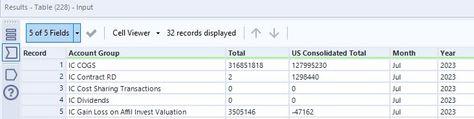
Here is a snapshot of the current table (I know how to get rid of the month and year columns, I just have them in for testing purposes)
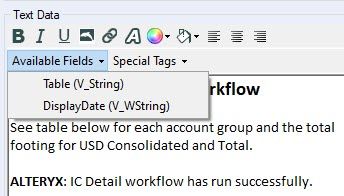
If I put the Report text tool before the table tool, I can get month and year to pop up in the available fields but these items won't show up if I place the report text tool after the table:
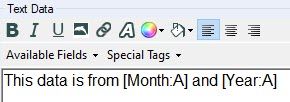
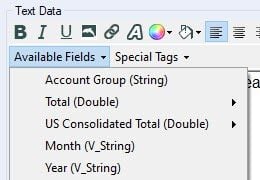
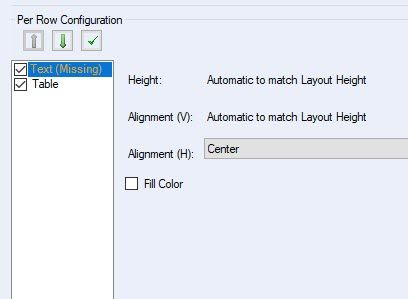
The problem I am running into when the report text tool is before the table tool, I am not able to add my text to the Layout tool, to send in the email, it shows up as missing (seen below):
I know this a very wordy ask, so I really do appreciate anyone willing to work through this or give any tips. Also, if you need any additional information, I can provide that.
Thank you to whoever is willing to help!!!
-e


