Hello,
I have a challenge with a workflow containing a macro when uploading on Alteryx Gallery, giving me the below error:
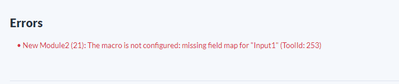

I have downloaded a while back a macro with several macros built in for Dynamic Calculation (transforming a text with a formula into a calculation).
The workflow worked very well in Alteryx Designer, but when I tried to upload it into Alteryx Gallery, it gave me the error that it cannot find the in-built macros (level 2 & 3).
That was because I was not able to see them under "Workflow Options --> Manage workflow assets". I have found here that I need to make available the option of Assets - Auto-detect assets". I did that for all the macros, but then I have this error.
Please bear in mind that if I try to delete the macro and readd it in Alteryx Designer, it works very well in Designer. When trying to upload on Alteryx Gallery, something changes because it cracks everything - I cannot run it either in Designer.
Could anyone advise what I should do? I am uploading the Macro used.
The error is coming from the last Macro:
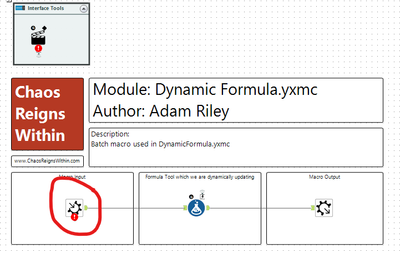
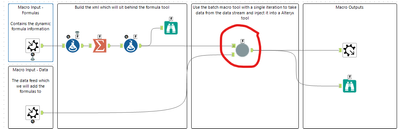
One level above - This is from Macro "DynamicFormula"
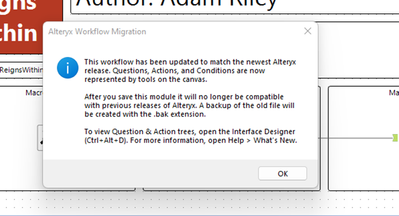
I do not know if the below notification has anything to do, but this appears when opening last macro - DynamicFormula.yxmcbatch (it shouldn't based on what is written, but I wanted to mention it as well):
Would highly appreciate any support!
Thank you!


